Order Compliance

Build orders, allocate product to them, and let ONX Comply set and check the evidence requirements each order must meet.

Order Compliance

How it works

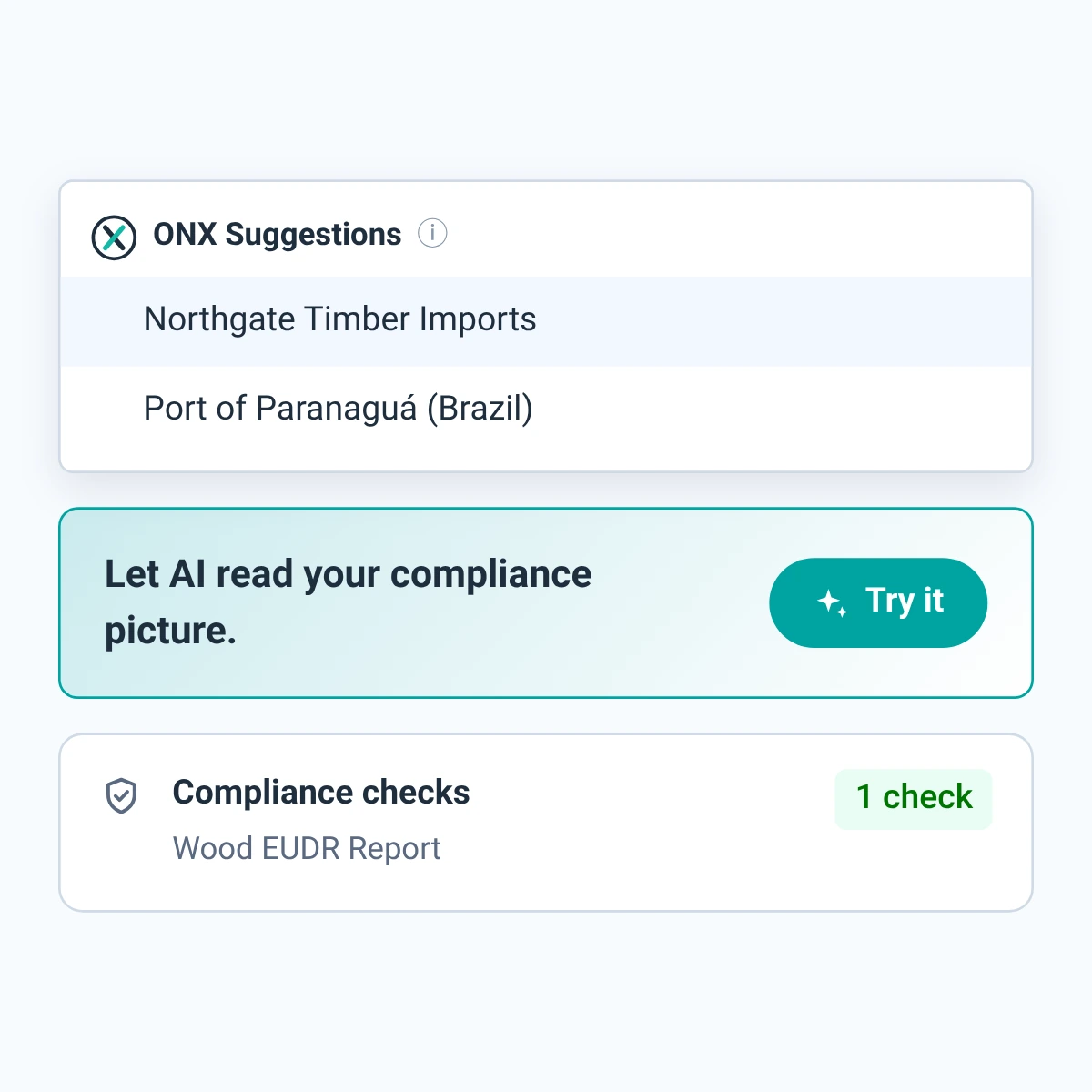
Allocate products to an order and see whether every requirement for its origin and destination is met.

Orders connect your sales to the products and evidence behind them. Create an order, allocate the products or volumes it carries, and the platform traces each one back to the farms and suppliers it came from.

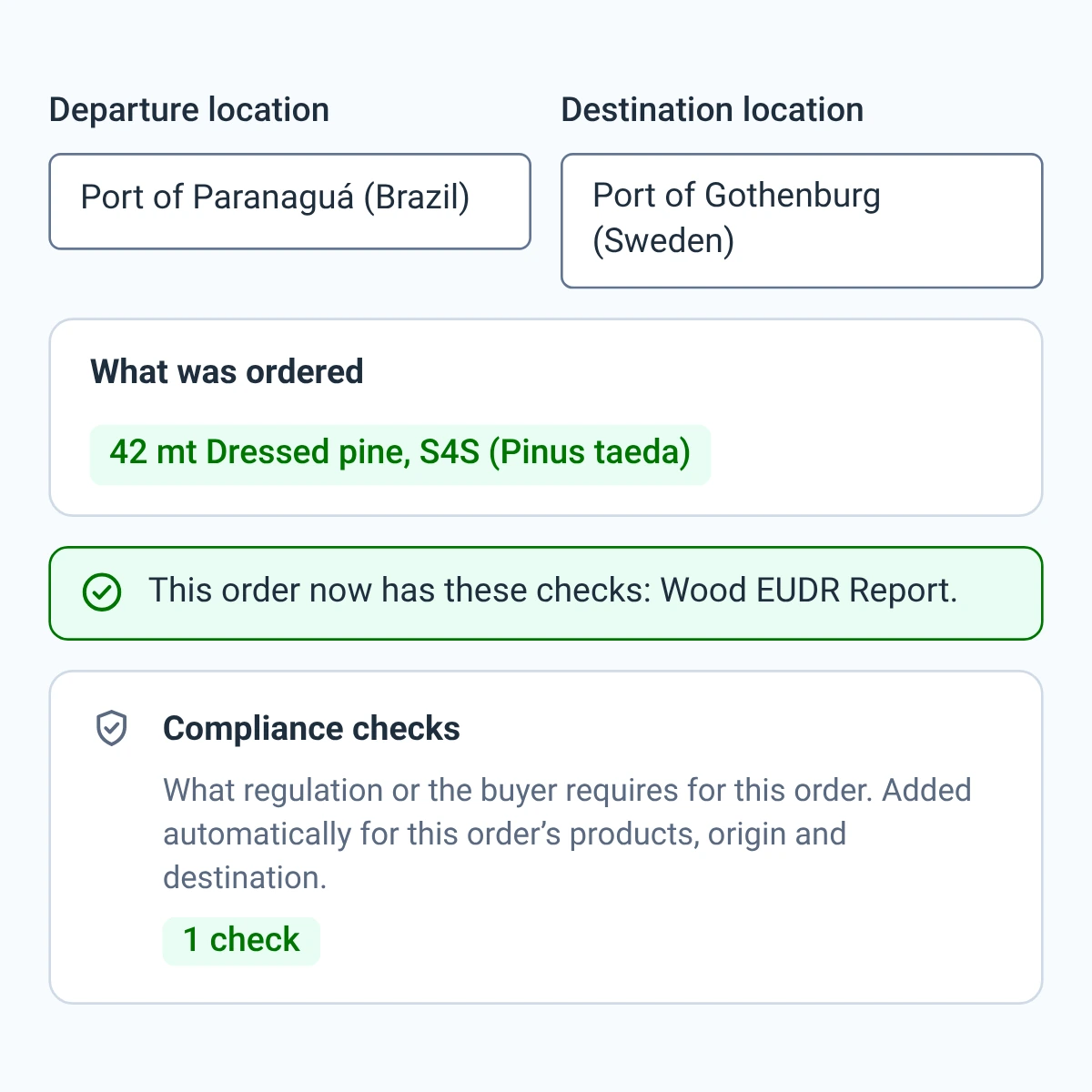
Order evidence requirements. ONX Comply selects the requirements each order must meet from its products, origin country and destination country, such as the EU Deforestation Regulation. Requirement sets are built from evidence templates, your own or the pre-configured OriginsNext library, and can include your buyer's own mandates.

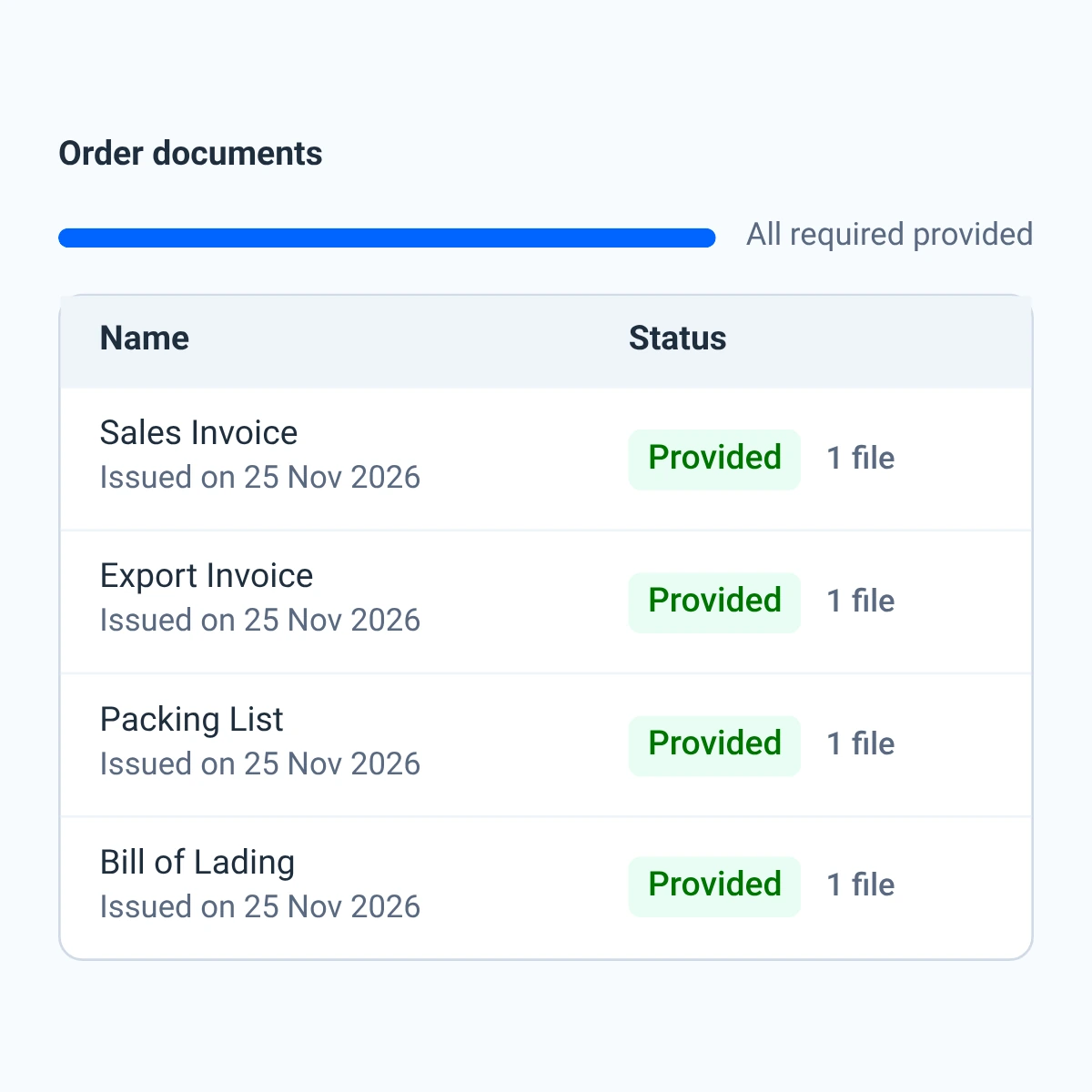
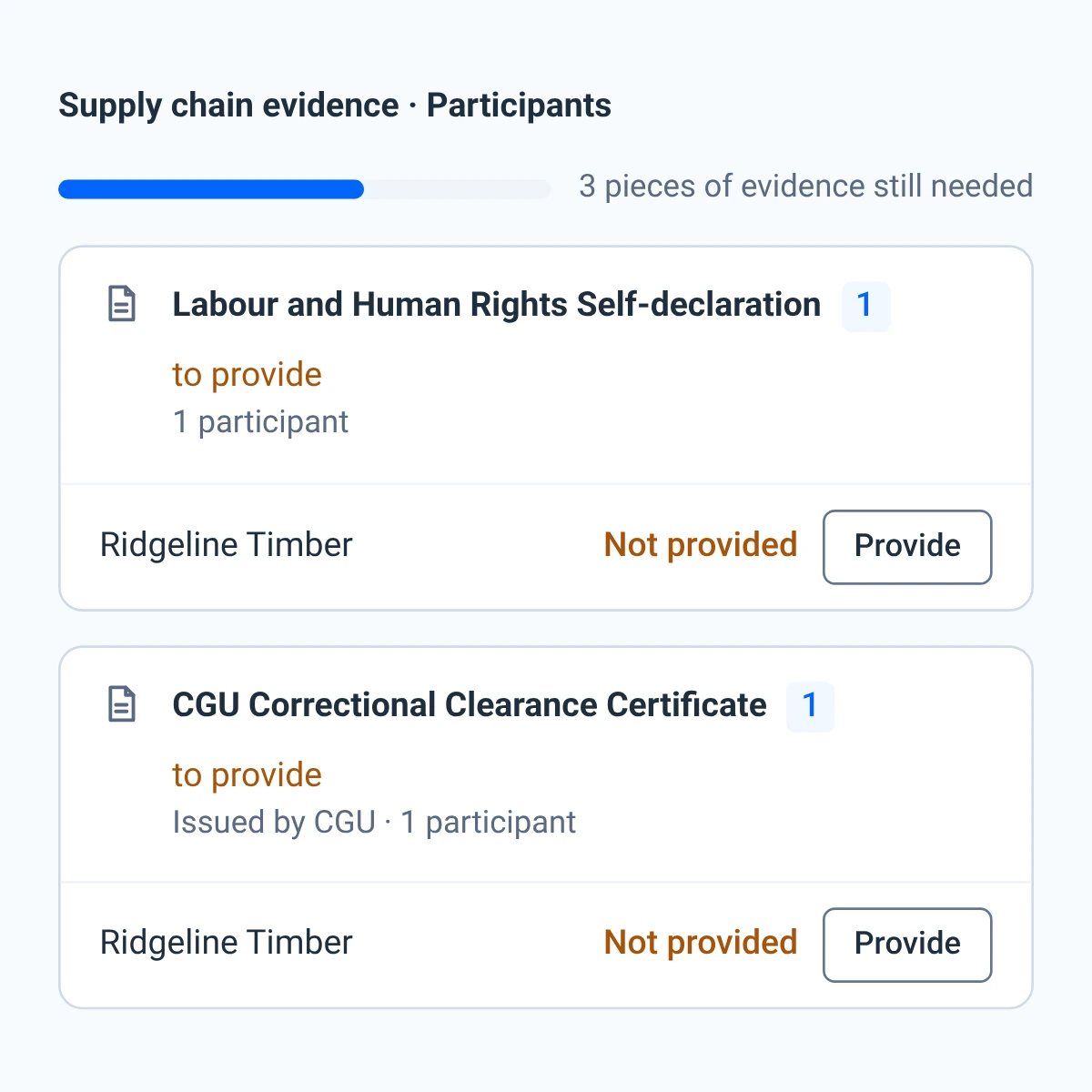
Evidence already collected through supplier checklists counts automatically, alongside documents that only belong to the order, such as invoices and bills of lading. The order shows each requirement as complete or with gaps. Anything missing or expired shows against the farm or supplier, so it can be gathered through their checklist or checked again on the spot.

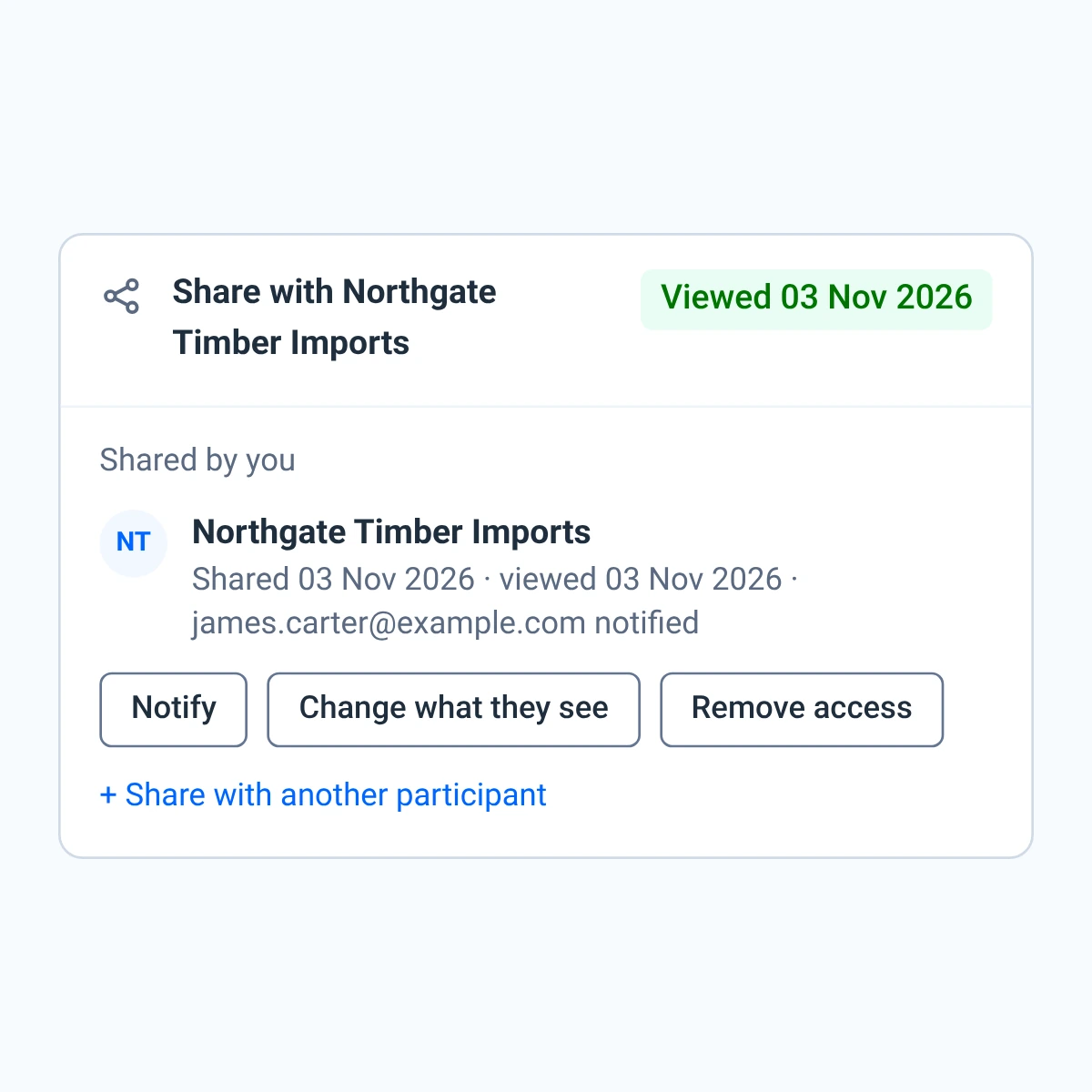
When everything is in place, the order carries a complete, evidence-backed compliance package to the buyer, shared with exactly the permissions you choose.

1

Requirements set for each order

ONX Comply selects the evidence the order needs from its products, origin and destination, including buyer requirements.

2

Checked against evidence you hold

Supplier evidence counts automatically, alongside documents that only belong to the order, such as invoices.

3

Fill gaps before sharing

Anything missing or expired shows against the farm or supplier, so you can fill it before the order is shared.

What it gives you

Know an order is compliant before it ships, not after a buyer finds the gap. Each order is checked against the evidence you already hold.

No surprises at the port

Gaps show before the goods move, not when a shipment is already in transit.

Requirements set automatically

ONX Comply picks the requirements by commodity, origin and destination, so nothing is missed.

Proof travels with the order

Every order carries its evidence to the buyer, shared on your terms.

Good to know

Order Compliance brings the requirements for each order together with the evidence behind its products, so gaps show while there is still time to close them.

How are an order's requirements chosen?

ONX Comply selects the requirements each order must meet from its products, origin country and destination country, such as the EU Deforestation Regulation. Requirement sets are built from evidence templates, your own or the pre-configured OriginsNext library, and can include your buyer's own mandates.

Which documents count towards an order's requirements?

When you allocate products or volumes to an order, the platform traces each one back to the farms and suppliers it came from. Evidence already collected through supplier checklists counts automatically, alongside documents that only belong to the order, such as invoices and bills of lading.

What happens when evidence is missing or expired?

The order shows each requirement as complete or with gaps. Anything missing or expired shows against the farm or supplier, so it can be gathered through their checklist or checked again on the spot. When everything is in place, the order carries a complete compliance package to the buyer.

Works with

Order Compliance relies on these capabilities for its evidence, and hands a complete order on to your buyer.

Discover how OriginsNext can benefit your ecosystem

Protect market access, grow market share, and improve profit margins across your supply chain.